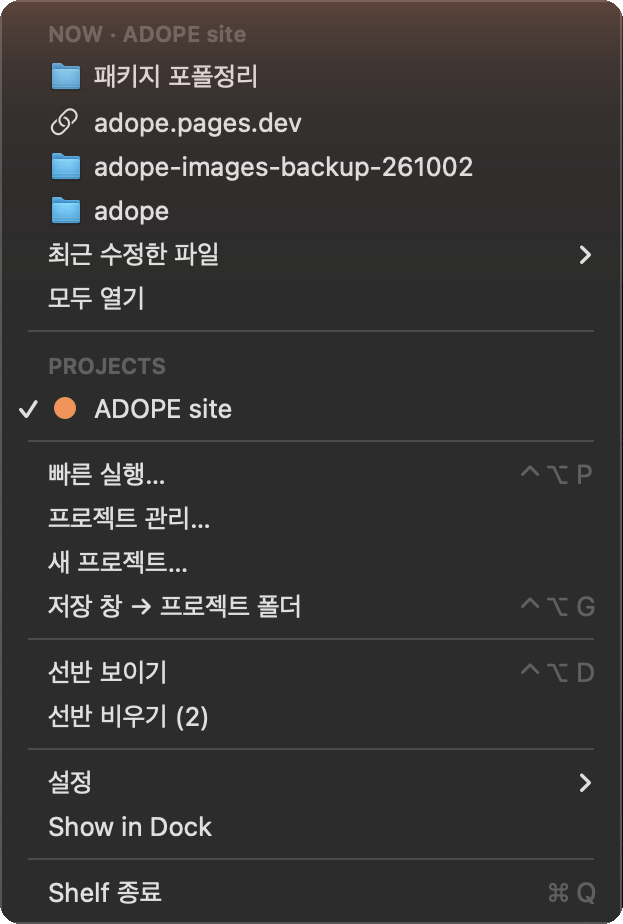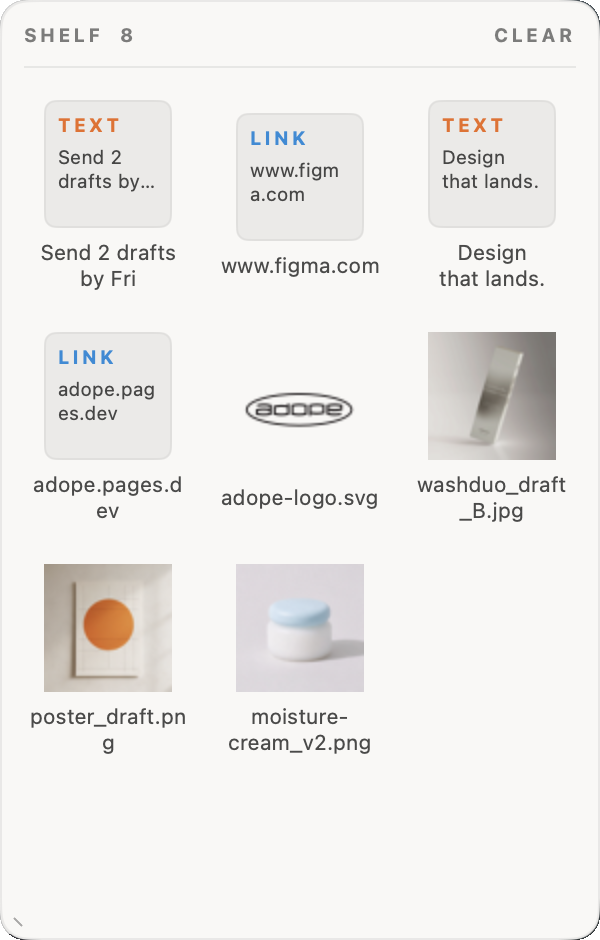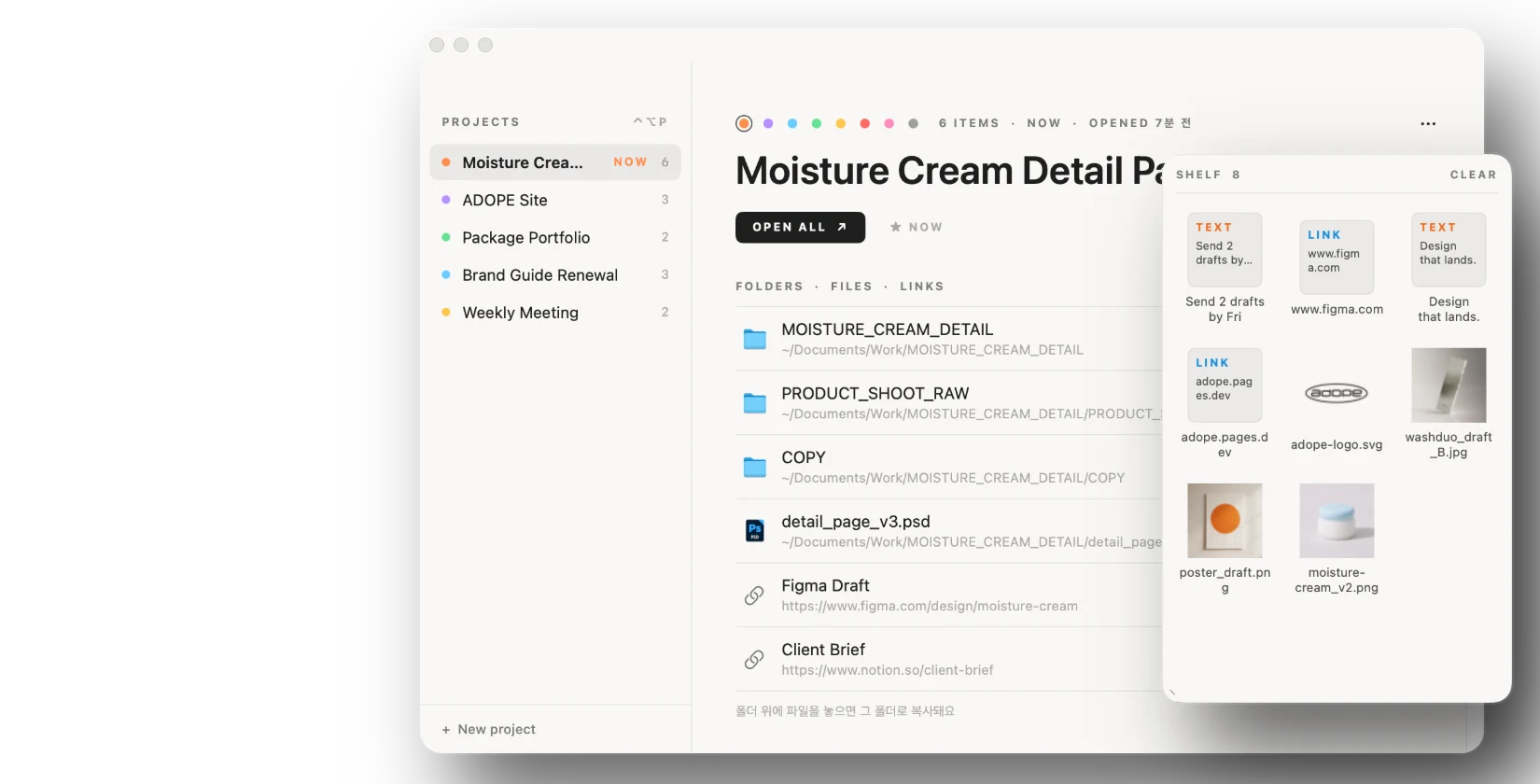
드래그 앤 드롭 작업을 훨씬 편하게 만들어주는 임시 파일 저장소입니다. 프로젝트별 폴더와 링크를 모아 한 번에 열고, 저장할 때 필요한 폴더로 바로 이동할 수 있습니다. 기획부터 디자인, Swift 개발까지 진행했습니다.A temporary file shelf that makes drag and drop much easier. Gather each project's folders and links to open them at once, and jump straight to the right folder when saving. I handled planning, design and Swift development.
macOS · 2026아이콘을 선반으로 끌어오거나 클릭해서 올려보세요.Drag an icon onto the shelf, or click it.
여기에 놓기Drop here
파일 임시 보관, 프로젝트 실행, 저장 위치 이동을 메뉴 막대에서 다루는 맥 앱입니다.A Mac menu bar app for holding files, opening projects and saving to the right folder.
파일을 정리하다 보면 여러 창을 오가며 끌어다 놓는 일이 많습니다. 파일을 끌기 시작하면 화면 가장자리에 선반이 나타나고, 옮길 폴더를 찾는 동안 여기에 잠시 올려둘 수 있습니다. 단축키(⌃⌥D)로 바로 열 수도 있습니다.Organising files means a lot of dragging between windows. Start dragging and a shelf appears at the screen edge, so files can wait there while you find the right folder. A shortcut (⌃⌥D) opens it directly.

한 작업의 파일은 데스크톱, 다운로드, 작업 폴더, 웹 링크 등 여러 곳에 흩어져 있기 쉽습니다. 이것들을 프로젝트 하나로 묶어두면 원본은 그 자리에 둔 채 한 화면에서 확인하고, OPEN ALL로 한 번에 열 수 있습니다.One job's files tend to spread across the desktop, downloads, work folders and web links. Group them into a project and you can see them on one screen — originals stay where they are — and open them all with OPEN ALL.


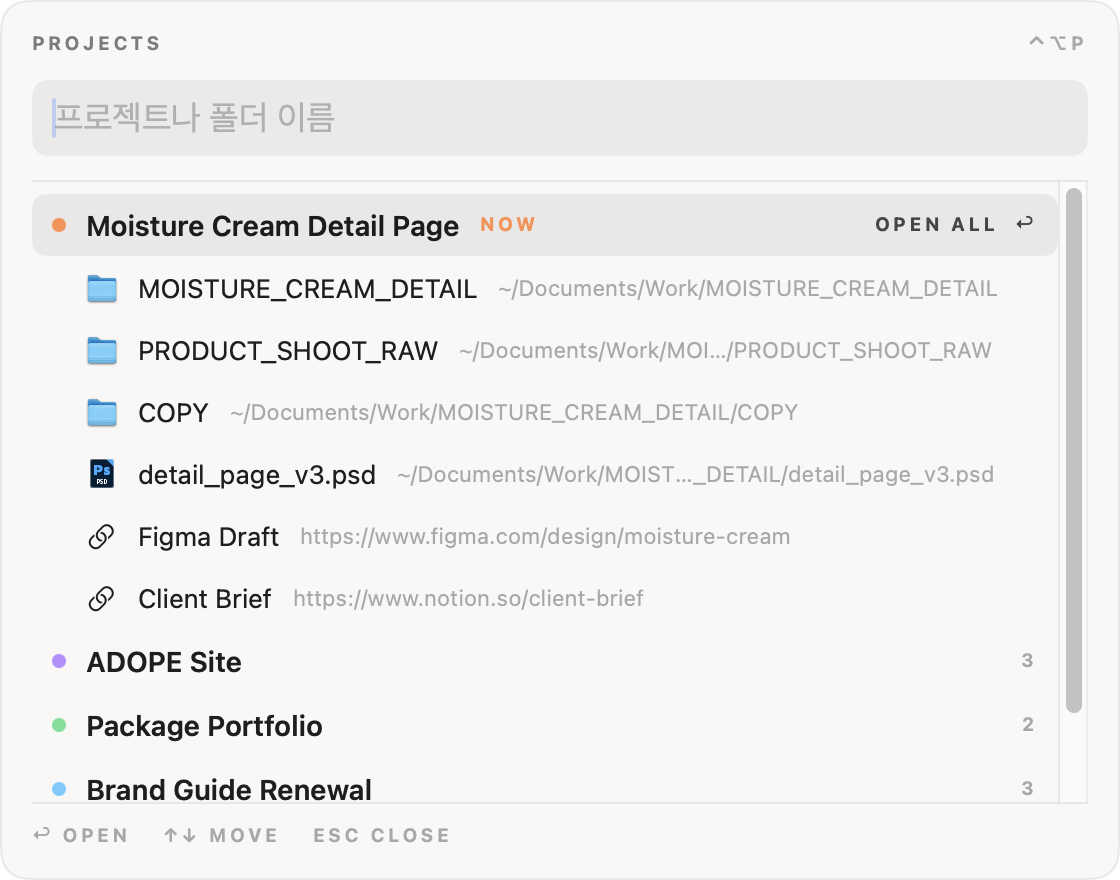
폴더를 찾아 Finder를 여러 번 열 필요 없이, 빠른 실행 창(⌃⌥P)에서 프로젝트나 폴더 이름을 입력해 바로 엽니다. 검색어가 없으면 지금 작업 중인 프로젝트의 파일을 먼저 보여줍니다.No more clicking through Finder: in the quick launch window (⌃⌥P), type a project or folder name and open it. With no query, the files of the project you're working on come first.
저장 · 열기 창이 엉뚱한 폴더에서 열렸을 때, 단축키(⌃⌥G) 하나로 지금 프로젝트 폴더로 이동합니다. 파일이 엉뚱한 곳에 저장되는 일을 줄여줍니다.When a save or open dialog starts in the wrong place, one shortcut (⌃⌥G) moves it to the current project folder — fewer files saved in random places.
~/Downloads~/Work/MOISTURE_CREAM_DETAIL여덟 가지 색으로 프로젝트를 구분합니다. 화면에서는 작은 점으로만 써서 목록이 복잡해 보이지 않게 했습니다.Eight colours tell projects apart. On screen they only appear as small dots, so lists stay calm.